5

I have a projector (JVC x5500) which is stupid. It blocks remote control input for several seconds when the HDMI signal changes. So I need the AVR and HTPC to turn off after the projector. There for I have put it first in the list
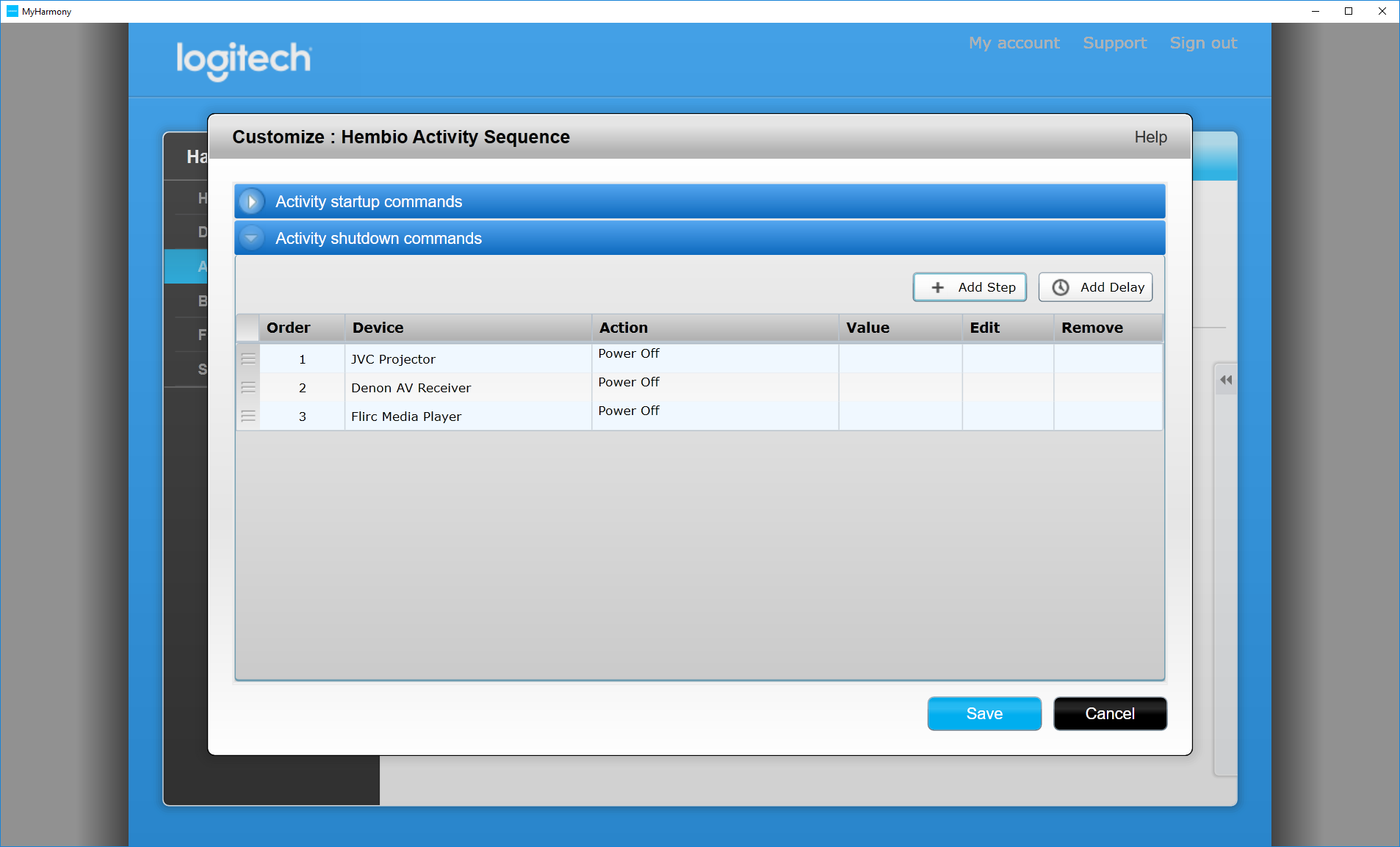
Logitech Harmony Configuration

But my Harmony does not wait for the Projector to finish. It shuts down the AVR right away blocking my projector from shutting down.

I tried to explicitly do the shutdown sequence and then add a wait. But it turns out that the Harmony app filters away the shutdown buttons.
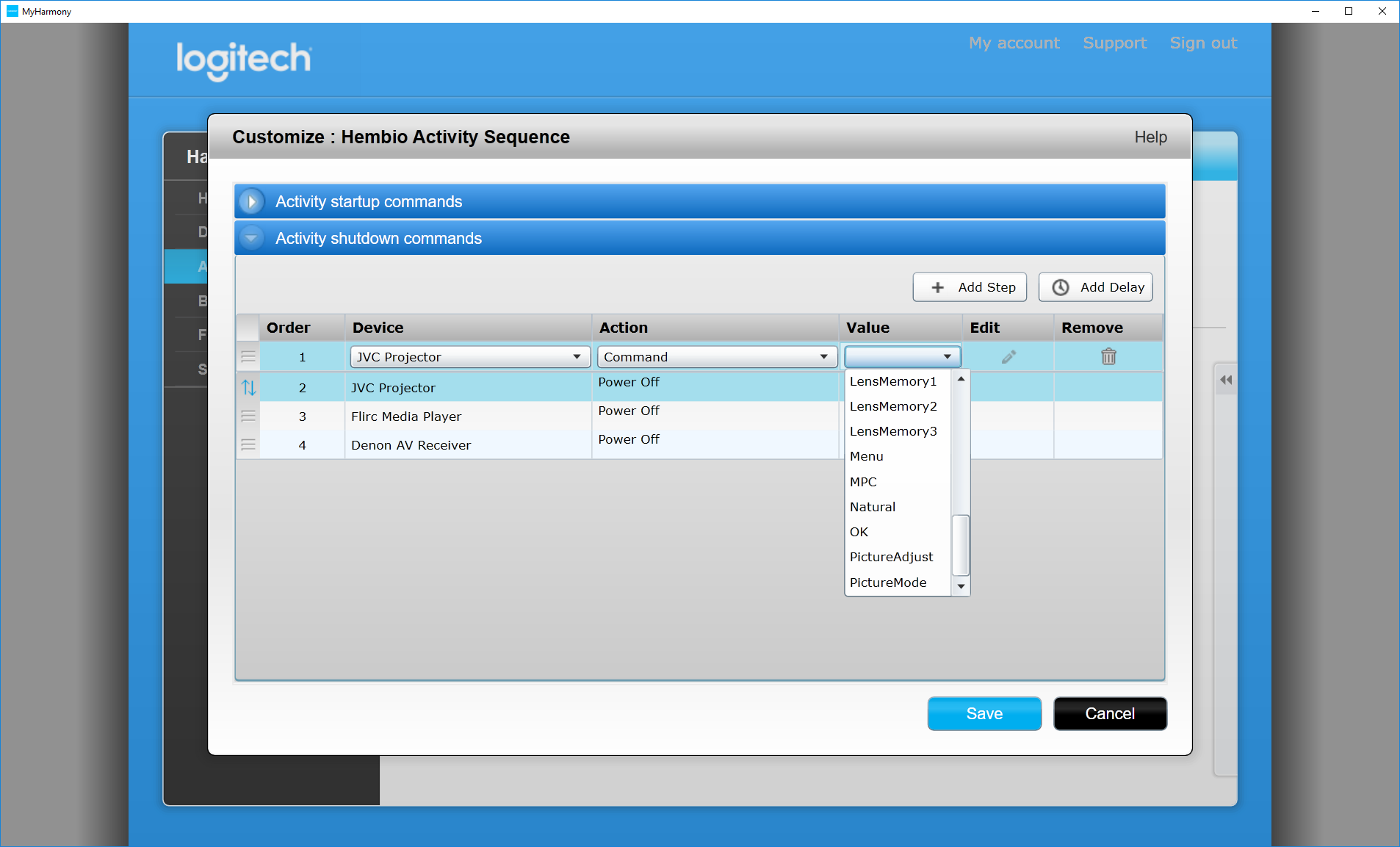
Harmony configuration with value dropdown clicked

Aurora0001
  • 18,520
  • 13
  • 55
  • 169
Anders
  • 159
  • 4

1 Answers1

2

A bit of research seems to indicate that it's status by design. Check out here on their support website: they say:

If a device is not turning on or switching inputs correctly, you may need to adjust your inter-device delay. The inter-device delay is how long Harmony waits after sending a command to one device, before being able to send a command to another.

This indicates that the Harmony is designed such that it sends commands not after the command has been completed, but rather after the command has been sent. Unfortunately, this means that though it sends the command to turn off your AVR after sending the command to turn off your projector, the projector has not completed its turn-off sequence, and the AVR already begins to shut down.

To resolve the issue, you'll probably have to figure out how long it takes for your projector to turn off, and add a delay (with the button at top right) equal or greater than the longest time you would expect the projector to take to turn off.

anonymous2
  • 4,902
  • 3
  • 22
  • 49