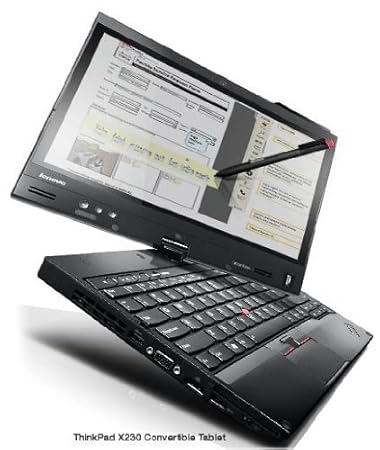
Recently I've installed Ubuntu 16.04 on Lenovo ThinkPad X230 Tablet. It works just great! I'm experiencing only two minor problems, both are wired with the convertible screen. This one, that annoys me is the subject of this question.
When I login to Unity the display orientation goes to portrait view mode. So, I must press the screen rotation button to get back to landscape view mode.
The default view within LightDM is landscape. The problem doesn't exist when I unlock Unity, only when I log into. This problem doesn't exist when I login to Gnome. But primary I'm using Unity, so my question is: How do I force Unity to stay in landscape view mode immediately after logging into?
Update 1:
I found that the problem doesn't exist for guest-session and for newly created users.
It looks like some application rotates the display.
I already have tried, without success, some solutions based on the answers of these questions:
Only
xrandr -o normalplaced as command within Startup Applications is a kind of ugly workaround.
Update 2:
- The original title: How do I force Unity to stay in landscape view immediately after logging into?