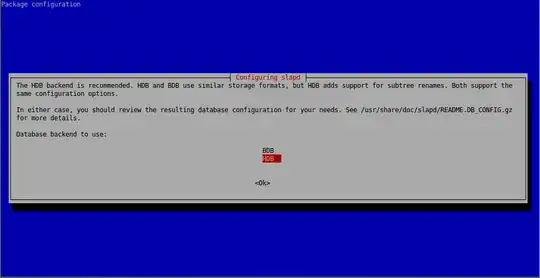
I am following the server guide for ubuntu 14.04 LTS and I am trying to setup ldap but I have a problem. There is supposed to be a dit named dc=example,dc=com but when I type ldapsearch -x -LLL -H ldap:/// -b dc=example,dc=com dn I get No such object (32) instead of
dn: dc=example,dc=com
dn: cn=admin,dc=example,dc=com
like the guide says i should.
Now after making the add_content.ldif file with the contents listed in the guide and use the command ldapadd -x -D cn=admin,dc=example,dc=com -W -f add_content.ldif with the password I set during installation I get ldap_bind: Invalid credentials (49).
So i guess there is no dc=example,dc=com ldap dit so where is it or how do I make it so i can follow the guide?


 Do NOT enter