Just installed Ubuntu 13.04 64 and decided to run 'System Testing'(in dash type 'system testing') but it doesn't seem to be working.
It's stuck at 'Gathering information from your system':
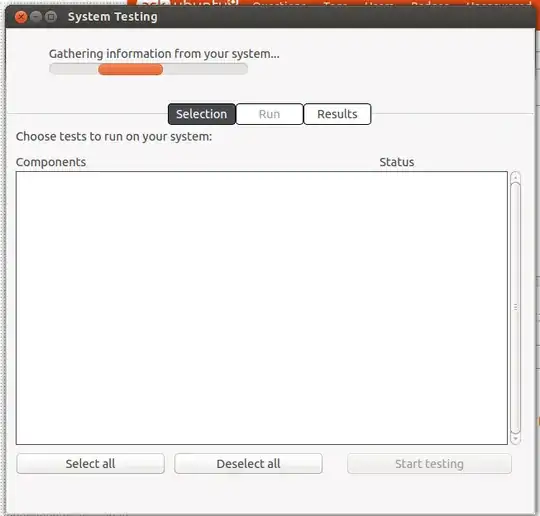
How to fix it?
Just installed Ubuntu 13.04 64 and decided to run 'System Testing'(in dash type 'system testing') but it doesn't seem to be working.
It's stuck at 'Gathering information from your system':
How to fix it?
Try the following:
checkbox-qt: pkill checkbox-qt. Please note that a python process is also started, you have to kill that too:$ ps fax | grep check 3796 pts/3 S+ 0:00 \_ grep --color=auto check 3761 ? Sl 0:00 python3 /usr/share/checkbox/run /usr/share/checkbox/config/checkbox-qt.ini
checkbox-qt from a terminal window. (By opening a terminal window and typing: checkbox-qt.)$ checkbox-qt SYSTEM TESTING: Please enter your password. Some tests require root access to run properly. Your password will never be stored and will never be submitted with test results. PASSWORD:
