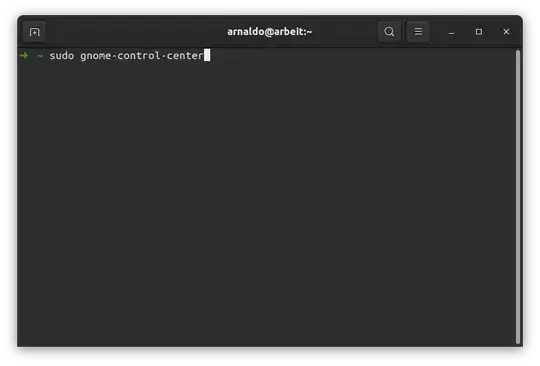
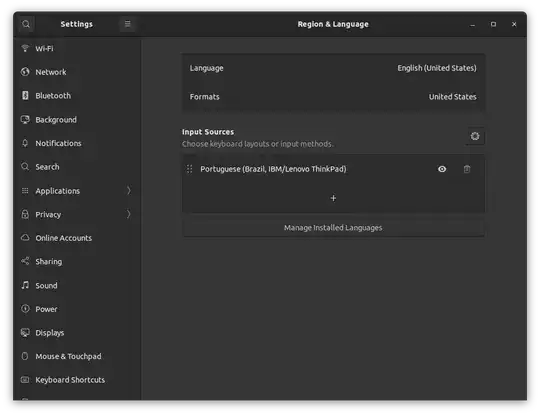
I installed Ubuntu 20.04 in my ThinkPad E480 and noticed the slash key "/" was not working. Digging a bit, I found this article where the OP has a keyboard layout really close to mine (abnt with slash key close to the arrows keys) Slash ("/") in Thinkpad T420 ABNT keyboard
I followed the proposed solution https://askubuntu.com/a/769358/1193030 and it worked for all the system, but not for the login screen, where the key "/" keep not being recognized.
This is what I have in the /etc/default/keyboard file:
# KEYBOARD CONFIGURATION FILE
Consult the keyboard(5) manual page.
XKBMODEL="thinkpad60"
XKBLAYOUT="br"
XKBVARIANT=""
XKBOPTIONS="lv3:ralt_switch"
BACKSPACE="guess"
Edit: For XKBMODEL, i tried thinkpad60 and thinkpadz60. Both work fine when I'm already logged in, but not in the login screen.
Thanks in advance