I recently installed Ubuntu 20.04 LTS and took the following steps to successfully mount my Synology NAS in ~/etc/fstab. These steps were also taken in 18.04 LTS
In the NAS, I set up a share (such as Common_Files) and the users/passwords to access the share in the NAS
Then in terminal
sudo apt-get install cifs-utils
create the mount point:
sudo mkdir /media/NAS/Common_Files (or whatever you wish to call your share)
Identify the ip address of your NAS (in my case I set it to a fixed address in my router).
In fstab create the following line (replace n and nnn with the details of your ip address:
//192.168.n.nnn/Common_Files /media/NAS/Common_Files cifs username=your_user_name_in_NAS,password=your_password_in_NAS_share,rw,uid=1000,gid=500
To check that it mounts in terminal sudo mount -a The share mounts cleanly on reboot.
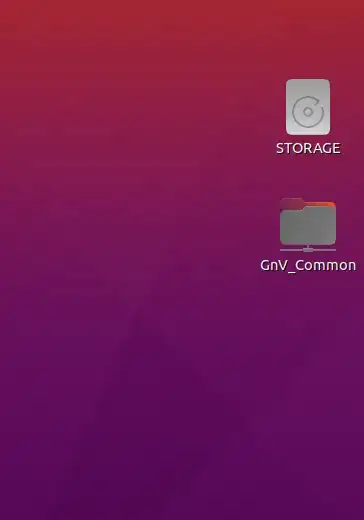
To provide a desktop link to the share I added Desktop Icons NG (DING) in GNOME Extensions. Using Settings in the Extension (right click on the desktop) and select Settings and select Show external drives in the desktop GnV_Common is the share name to common files on my NAS.
I also provided an accepted answer to a similar question here for reference.
UPDATE Dec 2023
These measures continue to work in 22.04 LTS, 23.04 and 23.10 interim releases.


